We use cookies on our website to provide you with the best possible service and to further improve our website. By clicking the "Accept All" button, you agree to the use of all cookies. You can limit the cookies used by clicking on "Accept selection". Further information and an option to revoke your selection can be found in our privacy policy.
These cookies are necessary for basic functionality. This allows you to register on our website and forum or order products with our online shop.
With these cookies, we collect anonymized usage data for our website. For example, we can see which content is interesting for our visitors and which resolutions are used. We use the information to optimize our website to provide you with the best possible user experience.
show more
All prices are plus the at present valid value added tax! For volume discounts, please contact order.peak@hms-networks.com.
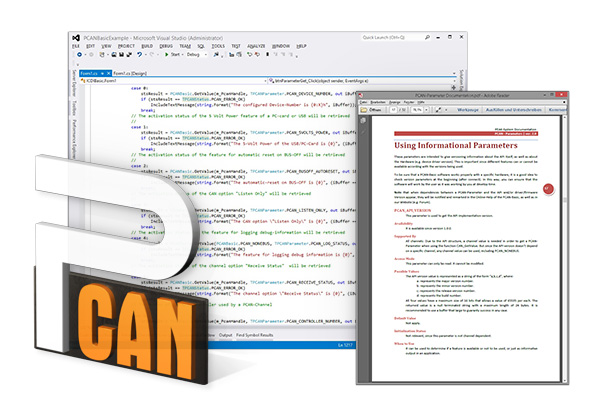
The PCAN-Basic API (application programming interface) allows easy development of powerful software with CAN CC, CAN FD, and CAN XL support. It includes all of the functions that an application needs in order to communicate with PCAN PC hardware. The cross-operating-system design makes it possible to easily port software projects between platforms.
PCAN-Basic consists of a device driver and an interface DLL providing access to the functions. The API supports a wide array of languages, including C++, C#, C++/CLR, Pascal OO, VB.NET, Java, and Python 3.x. Beginning with version 4, PCAN-Basic supported the standard CAN FD. In 2025, version 5 introduced support for CAN XL.
CAN XL (Extended Data-Field Length) was designed to improve the cooperation of CAN and TCP/IP networks and to enable transmitting larger data streams for use cases such as ECU flashing and software updates. For this, the new standard provides bit rates of up to 20 Mbit/s and data transmission with up to 2048 bytes per message.
PEAK-System provides the PCAN-Basic API to allow the development of your own CAN applications for Linux. Programmers can use the languages C++, Java, and Python 3.x.
Connection:
Configuration:
Information:
CAN communication:
PCAN-Basic API 5.x
API for the development of applications with CAN CC, CAN FD, and CAN XL connections for Windows® 11 (x64/ARM64), 10 (x64).
PCAN-Basic API (Linux)
API for the development of applications with CAN connection for Linux.
PCAN-Basic.NET Assembly
The PCAN-Basic.NET Assembly is available as a package in the NuGet Gallery. The online documentation is available on our website.
 English
 Deutsch
 Français
 Chinese 中文
 Korean