We use cookies on our website to provide you with the best possible service and to further improve our website. By clicking the "Accept All" button, you agree to the use of all cookies. You can limit the cookies used by clicking on "Accept selection". Further information and an option to revoke your selection can be found in our privacy policy.
These cookies are necessary for basic functionality. This allows you to register on our website and forum or order products with our online shop.
With these cookies, we collect anonymized usage data for our website. For example, we can see which content is interesting for our visitors and which resolutions are used. We use the information to optimize our website to provide you with the best possible user experience.
show more
Configurable and Programmable I/O Modules with CAN FD Connection
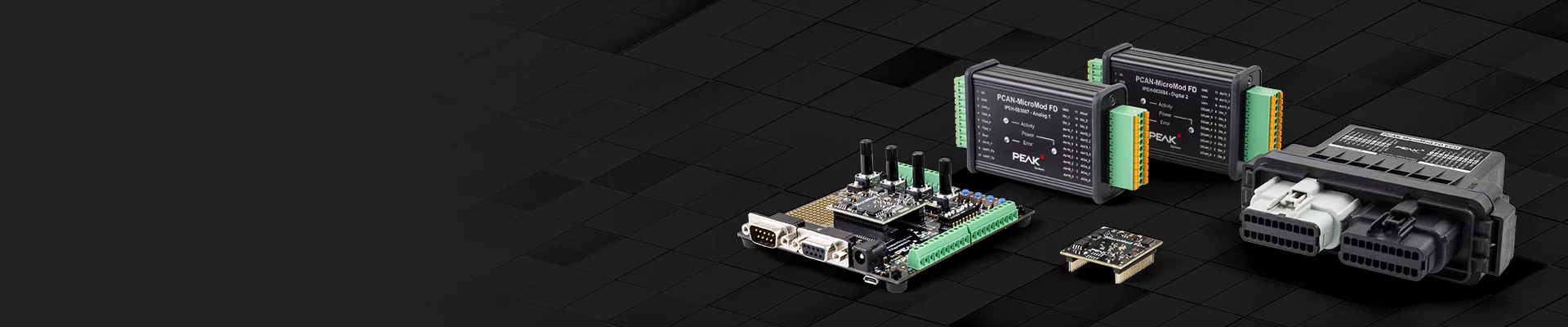
The PCAN-MicroMod FD combines a microcontroller, a CAN FD interface, and various inputs and outputs on a small plug-in board. PEAK-System thus offers developers a simple solution for integrating these features into their own hardware and has itself released a series of I/O modules for various applications based on this.
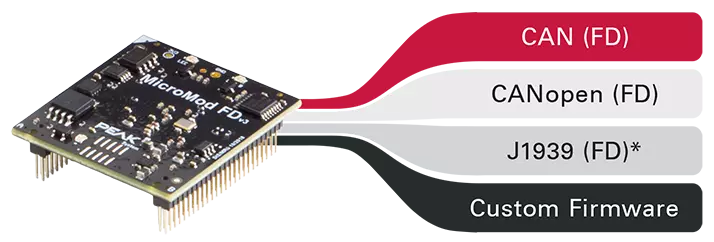
PCAN-MicroMod FD products can be used depending on firmware and model in different operating modes with support for the communication protocols CAN (FD) or CANopen (FD). Furthermore, the operation with a custom firmware is possible as well.
* Support for the J1939 (FD) standard is planned for Q4 2026.
| Product | CAN CAN FD | CANopen CANopen FD | Custom Firmware |
|---|---|---|---|
| PCAN-MicroMod FD Evaluation |  |  | |
| PCAN-MicroMod FD Analog 1 | | | |
| PCAN-MicroMod FD Digital 1/2 | | | |
| PCAN-MicroMod FD ECU | | - | |
| PCAN-MicroMod FD DR CANopen Digital 1 | | | - |
| PCAN-MicroMod FD Custom Motherboard | | - | - |
| On delivery active operation mode |
| Alternative operation mode |
| - Not supported operation mode |
| Features: |
|
| Prerequisite: |
|
| Activation: |
|
| Configuration: |
|
| Features: |
|
| Prerequisite: |
|
| Activation: |
|
| Configuration: |
|
| Features: |
|
| Prerequisite: |
|
| Activation: |
|
| Configuration: |
|
| Notes: |
|
Various PCAN-MicroMod FD products can be freely programmed with the help of our free development package for ARM-based products. The included programming examples facilitate the implementation of own solutions.
Note: In the future, this option will also be available for other PCAN-MicroMod FD products.
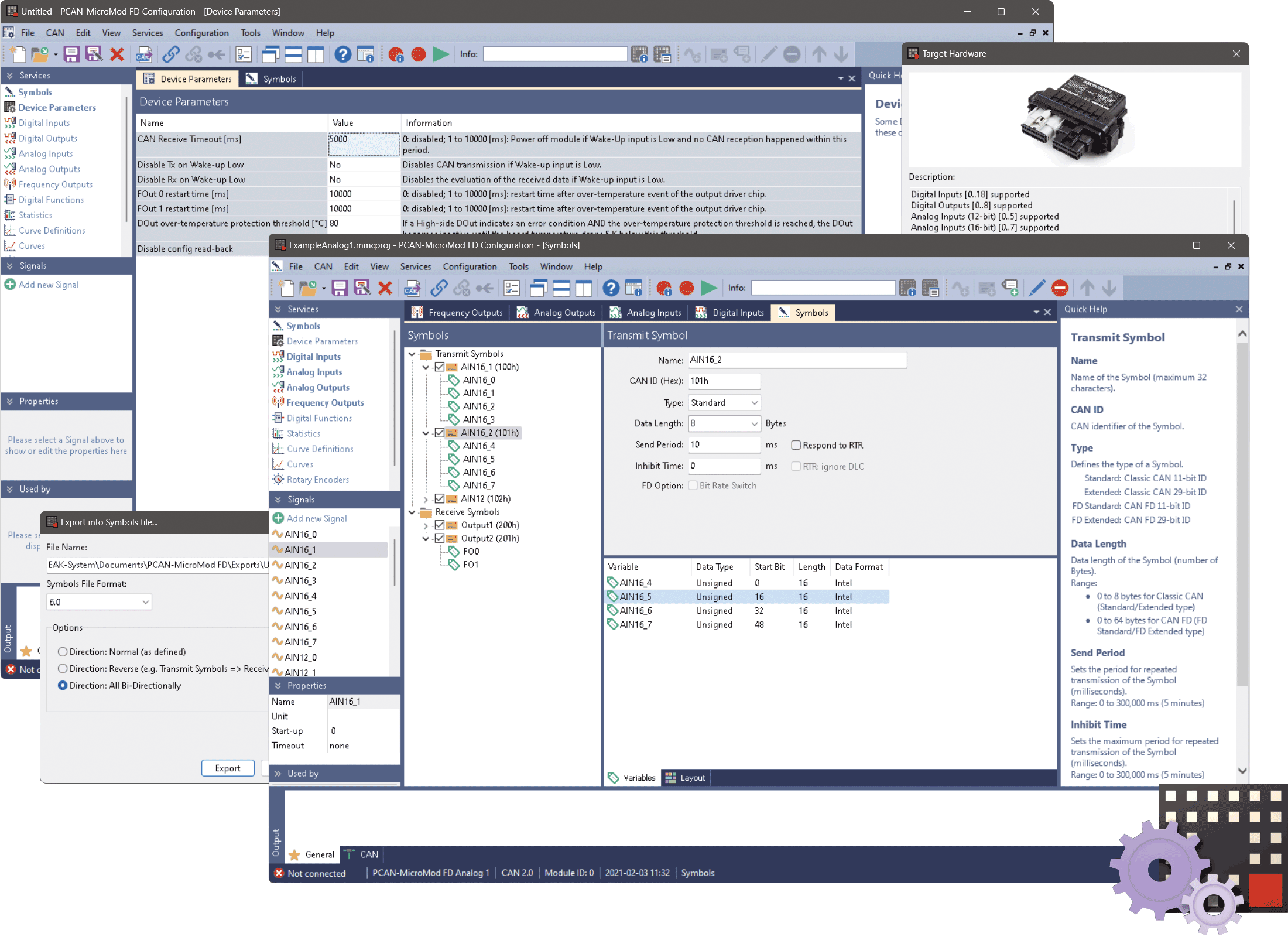
In the operation modes CAN (FD) and J1939 (FD) the configuration of the PCAN-MicroMod FD products is done with the freely available Windows software PCAN-MicroMod FD Configuration. In addition to simply mapping I/Os to CAN IDs, function blocks for processing the data are also available. The configuration created on the computer is transferred via the CAN bus to the PCAN-MicroMod FD which then runs as an autonomous CAN node. Multiple modules can be configured independently on a CAN bus.
Note: A PEAK-CAN interface is required to transfer a configuration via CAN. You can find detailed information about the PCAN-MicroMod FD Configuration software on the PCAN-MicroMod FD Configuration webpage.
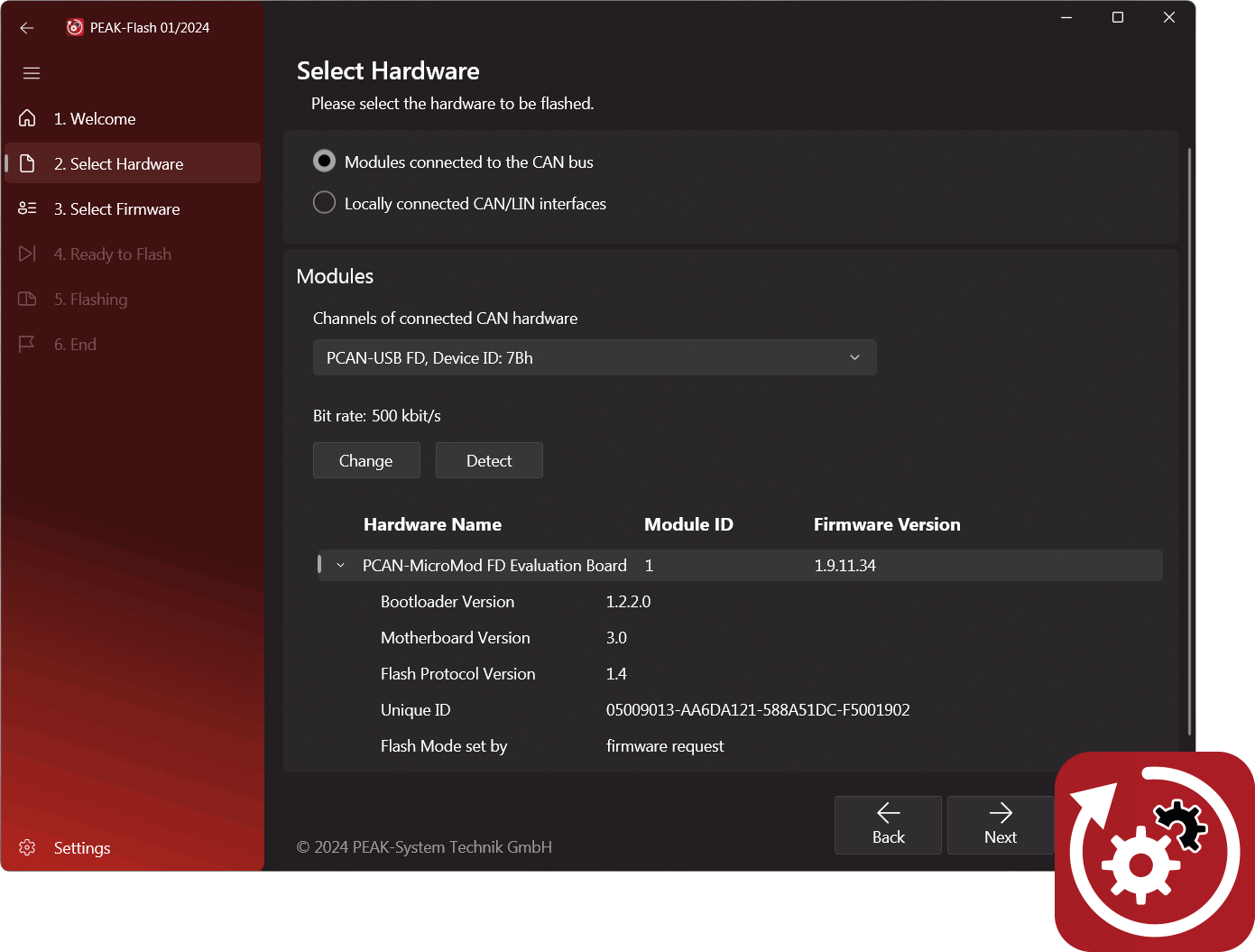
The transfer of a regular or a custom firmware to PCAN-MicroMod FD products is done with the free Windows software PEAK-Flash via the CAN bus. PEAK-Flash contains the current version of the standard firmware which is used for the CAN (FD) and CANopen (FD) operation modes.
Note: A PEAK-CAN interface is required for transferring a firmware via CAN. Further information about PEAK-Flash can be found on the PEAK-Flash webpage.
 English
 Deutsch
 Français
 Chinese 中文
 Korean